
Knock
Knock on your MacBook to control your Mac
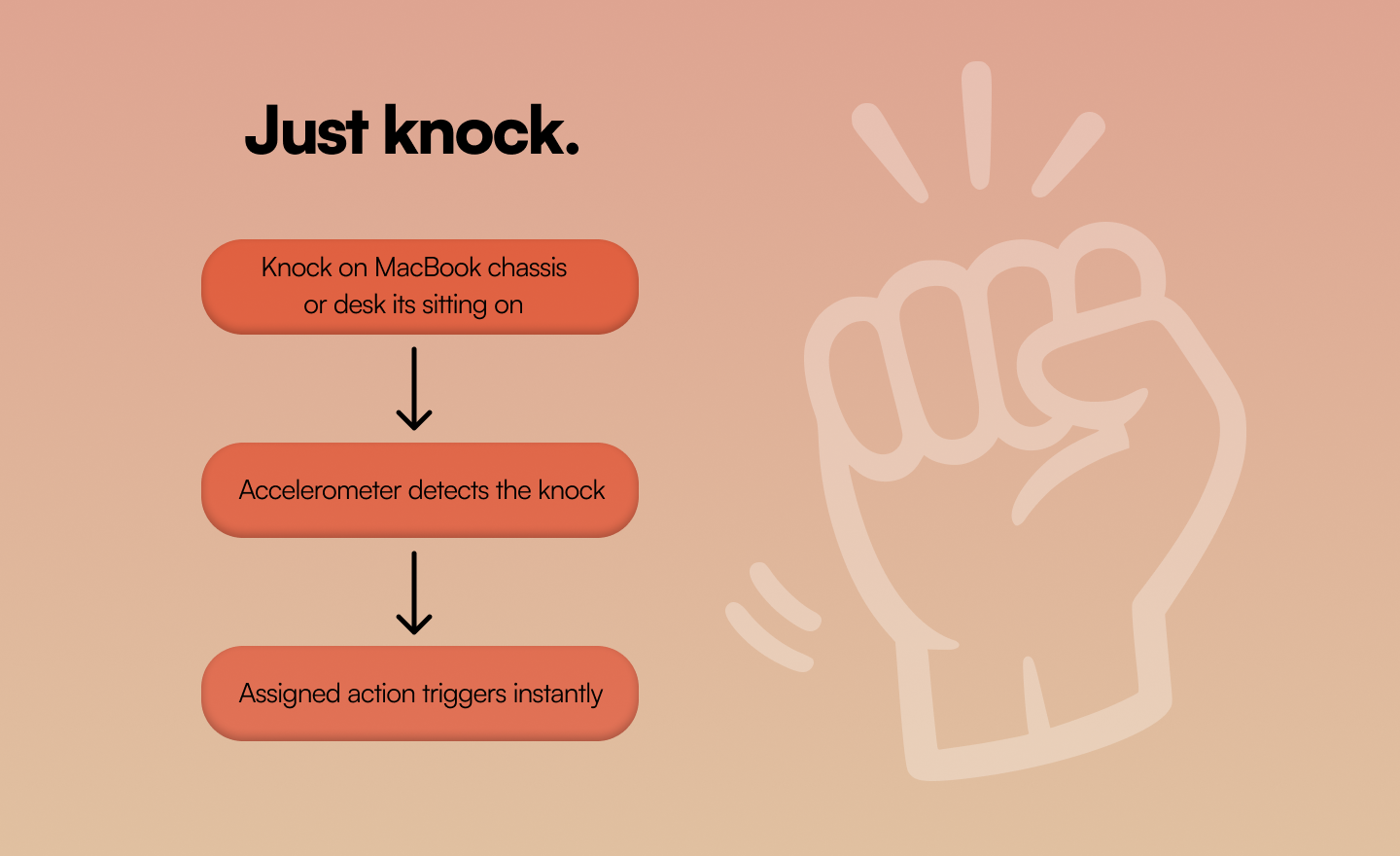
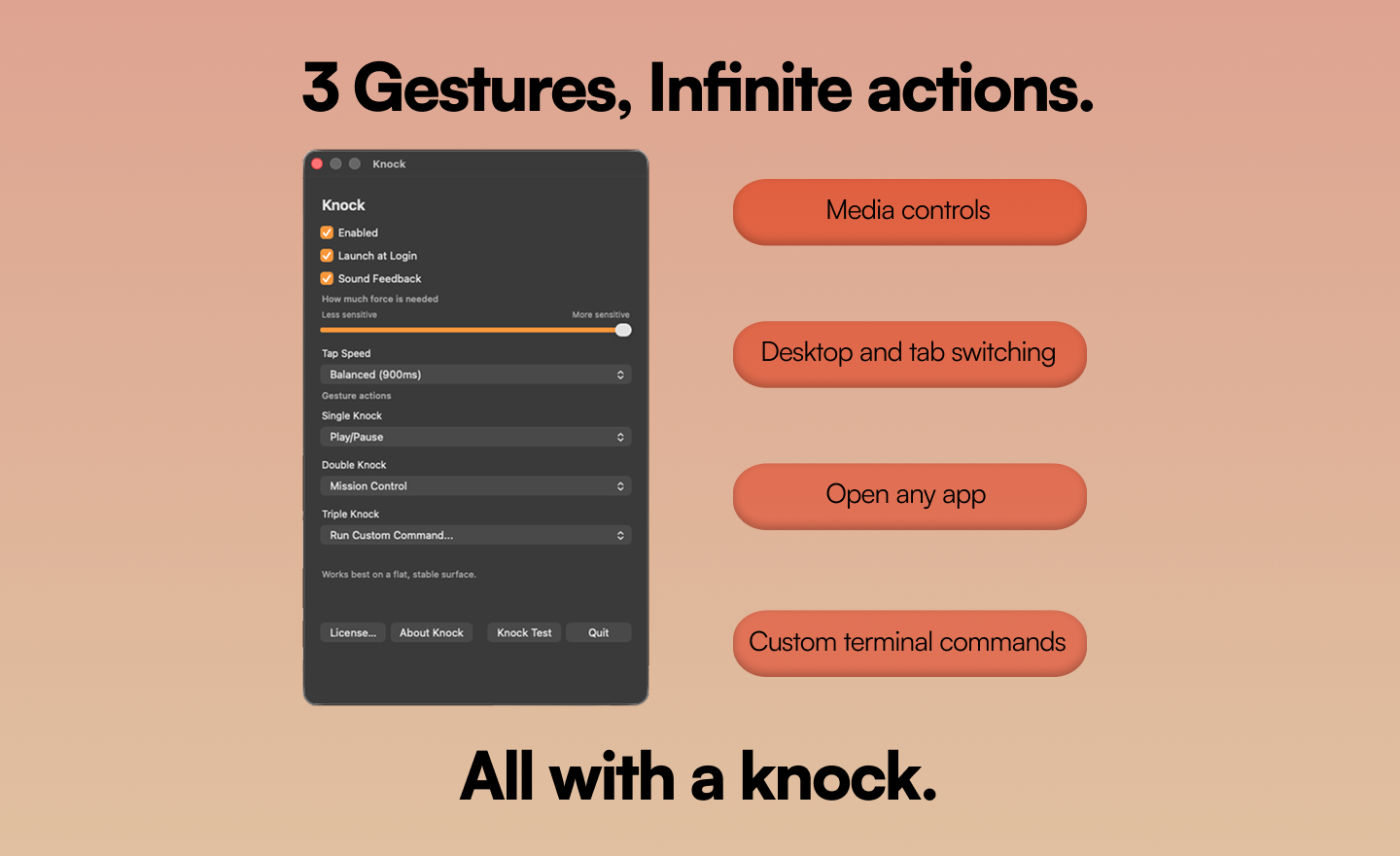
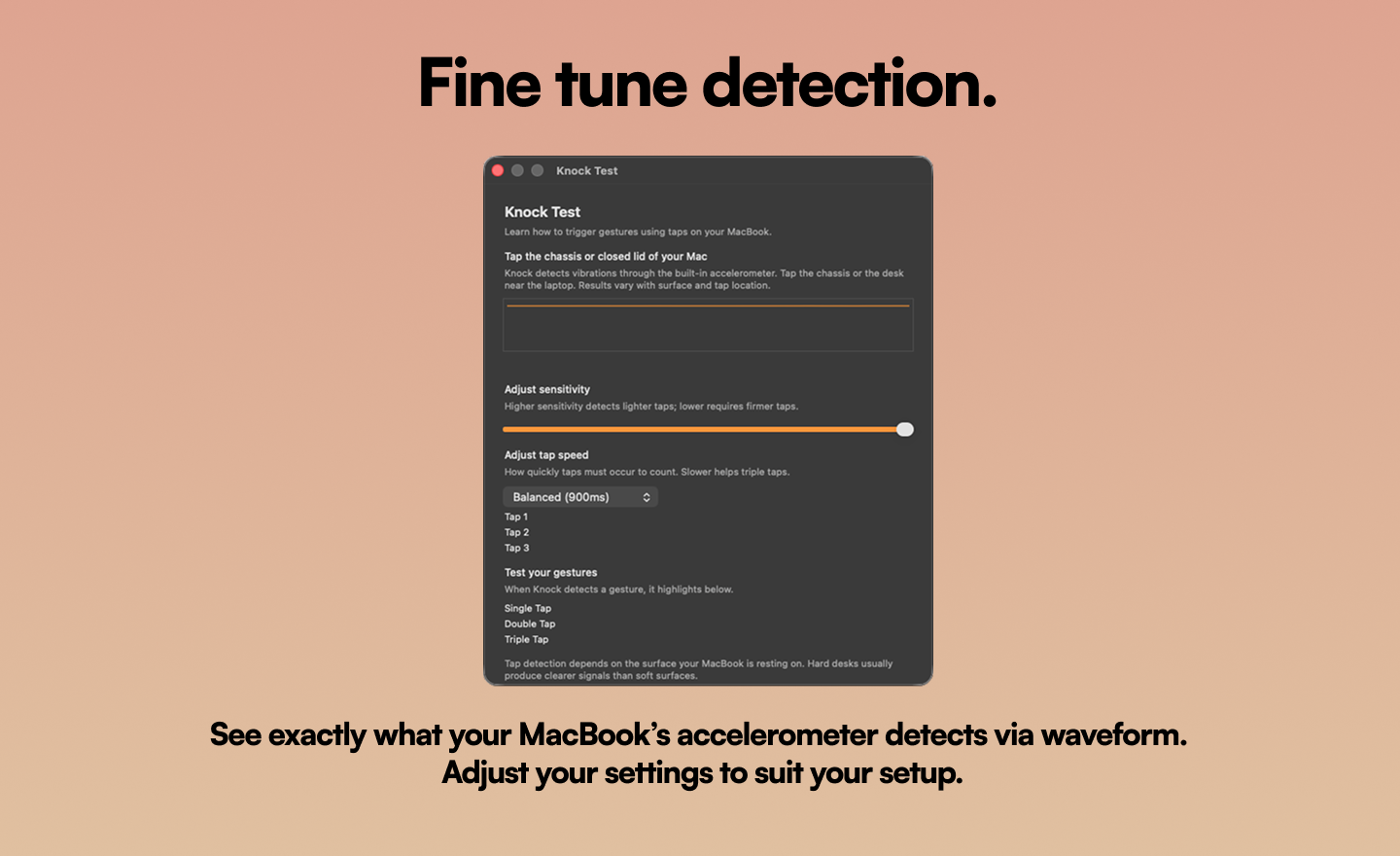
Knock turns taps on your MacBook into instant actions. Switch tabs, change desktops, play/pause music, open apps, run custom scripts, or take screenshots - all with a simple knock. Tap the desk beside your laptop or knock on the MacBook’s chassis (not the trackpad). Knock uses the built-in accelerometer in Apple Silicon MacBooks to trigger customizable shortcuts.
“what does not kill me makes me stronger”
Reviews (0)
No reviews yet
Be the first to predict the death of this product!